Break time!
Your Pomodoro session has ended
Anime Tree Tutorial | Blender (include Project Files)
🍅 Pomodoro Timer
Study for 25 min, then take a break. Improves focus!
Description
CC: English & Vietnamese Note #1: In newer Blender versions, the blend mode was replaced with Render Method, just keep it at default, which is "Dithered". To turn off shadow per material, inside shader editor, you can use a "mix color" with a "light path" node (choose "Is Shadow Ray"). See here: https://developer.blender.org/docs/re... Or to turn shadow off per objects: Selecting the object and then, in the sidebar, go to Object Properties/Visibility/Ray Visibility/Shadow (uncheck) Note #2: This method is still valid in newer Blender version. If you run into any problem in step 1 then please do a check of these following mistakes: Check that your "Vector Rotate" is set to Euler, "Evaluate on Domain" is set to Vector and Face, don't forget to pick your camera in the modifier, always Apply Transformation on the plane to ensure there is no problem.
Up Next
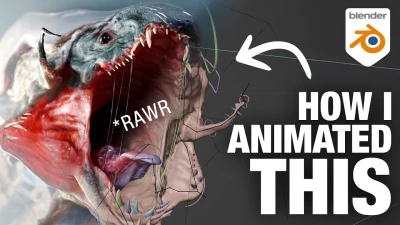
How I animated a Monster - A Blender Breakdown
DemNikoArt
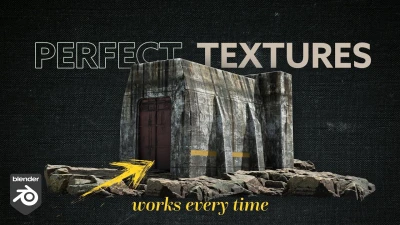
Perfect Textures in Blender - Works Every Time
Nico Linde
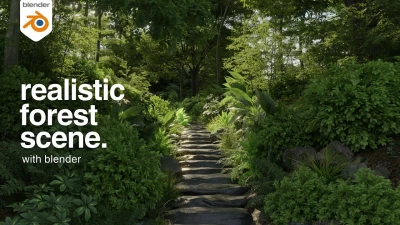
MAKE THIS: Realistic Dense Forest Scene in Blender
Meshful Works
Más de 10 trucos de Blender que me hicieron profesional
Extra 3d
Blender 4.3 Make A Shirt Tutorial | Cloth Sewing EASY
PIXXO 3D
For Beginners: Easiest Modeling Technique (long version)
Blender Secrets
4 random bevel / topology tips - Blender Secrets
Blender Secrets

Blender Basic Texturing Tutorial (Donut Part 5)
Blender Guru
Creating a Factory in Blender 5, Full Breakdown
CG Masterclass
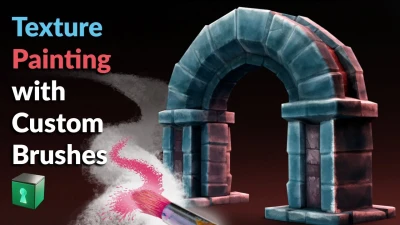
Blender Secrets - Texture Painting with Custom Brushes
Blender Secrets