Break time!
Your Pomodoro session has ended
PS1 Style in Blender / Retro Low Poly Assets Beginner Tutorial - Part 2
🍅 Pomodoro Timer
Study for 25 min, then take a break. Improves focus!
Description
Hello everyone! This is the second part of a beginner-friendly tutorial on creating retro-style graphics in Blender, where we continue making low-poly assets and textures for them. If you haven't seen the first part I recommend starting with that. And as always, feel free to ask any questions in the comments — I’ll be happy to help! Hope you enjoy the process. Part 3 is currently available on my Patreon: / summer85
Up Next
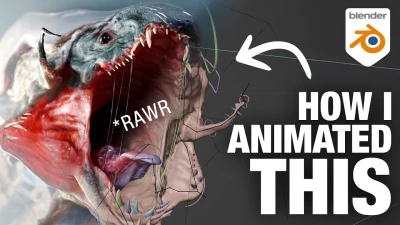
How I animated a Monster - A Blender Breakdown
DemNikoArt
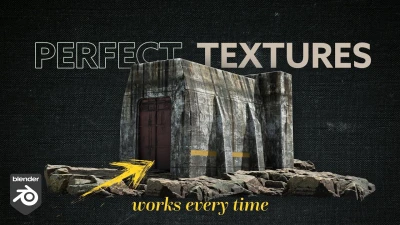
Perfect Textures in Blender - Works Every Time
Nico Linde
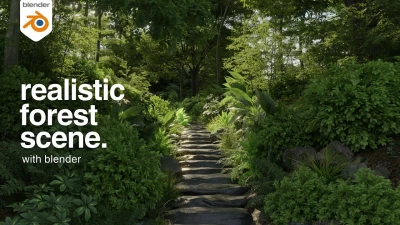
MAKE THIS: Realistic Dense Forest Scene in Blender
Meshful Works
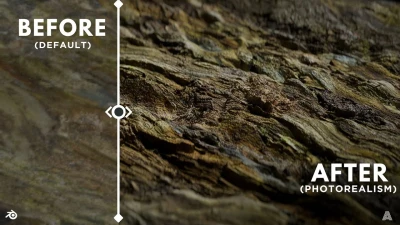
Más de 10 trucos de Blender que me hicieron profesional
Extra 3d
Blender 4.3 Make A Shirt Tutorial | Cloth Sewing EASY
PIXXO 3D
For Beginners: Easiest Modeling Technique (long version)
Blender Secrets
4 random bevel / topology tips - Blender Secrets
Blender Secrets

Blender Basic Texturing Tutorial (Donut Part 5)
Blender Guru
Creating a Factory in Blender 5, Full Breakdown
CG Masterclass
Blender Secrets - Texture Painting with Custom Brushes
Blender Secrets